 TraxQ
TraxQWe've Got Answers
Everything you need to know about TraxQ — from setup and onboarding to billing, integrations, and support.
Getting Started
Everything you need for a quick setup
Popular Topics
Most-asked questions by fleet managers
Support Channels
Multiple ways to get help when you need it
Help Resources
Self-service tools to find answers fast
Frequently Asked Questions
Everything you need to know about TraxQ - from getting started to advanced features and integrations.
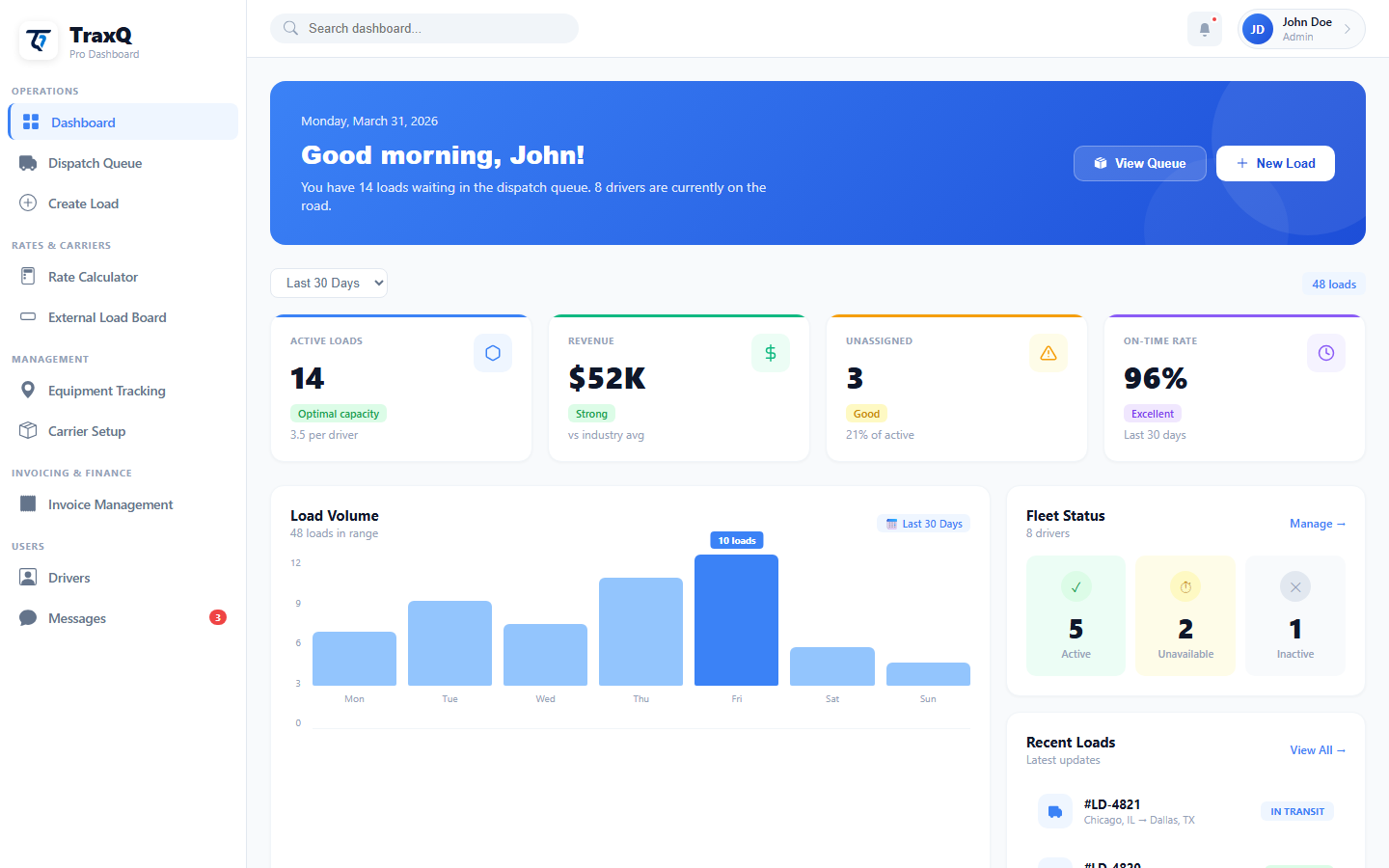
TraxQ is a comprehensive Transportation Management System (TMS) that helps trucking companies manage dispatch, drivers, loads, and invoicing all in one place. It streamlines your operations, reduces manual work, and helps you scale your fleet efficiently.
Absolutely! TraxQ is designed to be scalable. Our Basic plan is perfect for small fleets with up to 5 drivers, while our Plus plan supports larger operations with advanced features.
TraxQ integrates with major load boards like DAT. We also feature built-in GPS tracking capabilities, saving you money and simplifying your tech stack.
Yes! TraxQ includes a dedicated driver mobile app where drivers can view assigned loads, update delivery status, upload POD documents, and communicate with dispatch in real-time.
TraxQ automatically generates professional invoices from completed loads, tracks payment status, and integrates with payment processors. You can customize invoice templates with your company branding.

One Platform.
Every Load.